#wiki
Subscribe
Unsubscribe

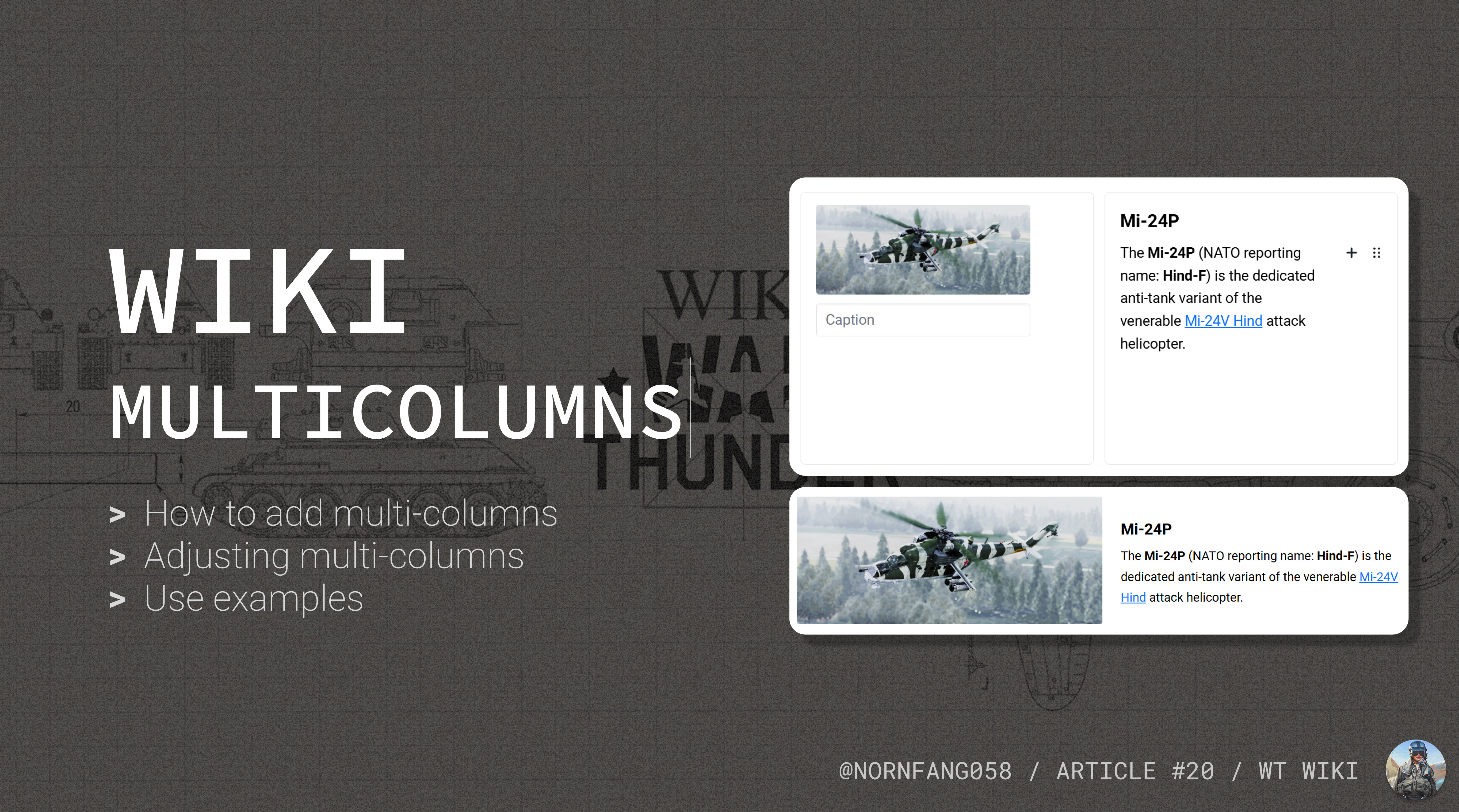

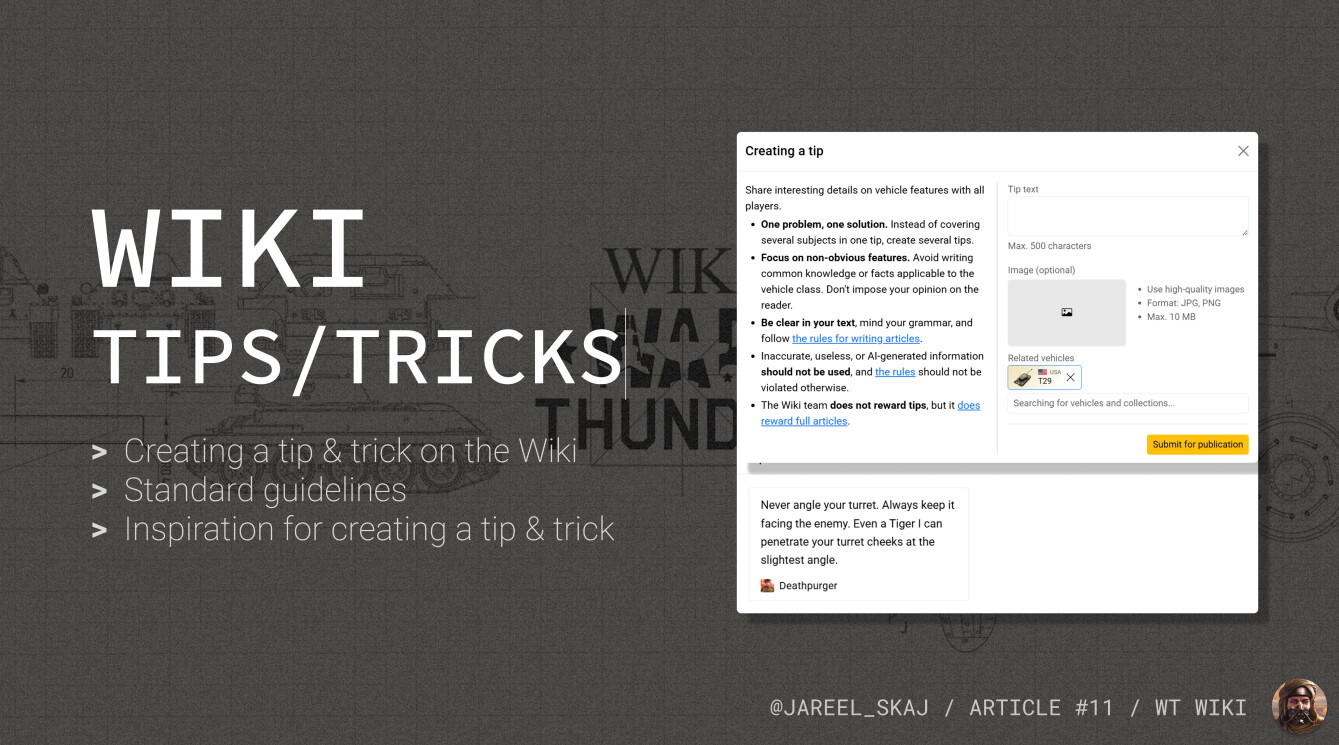
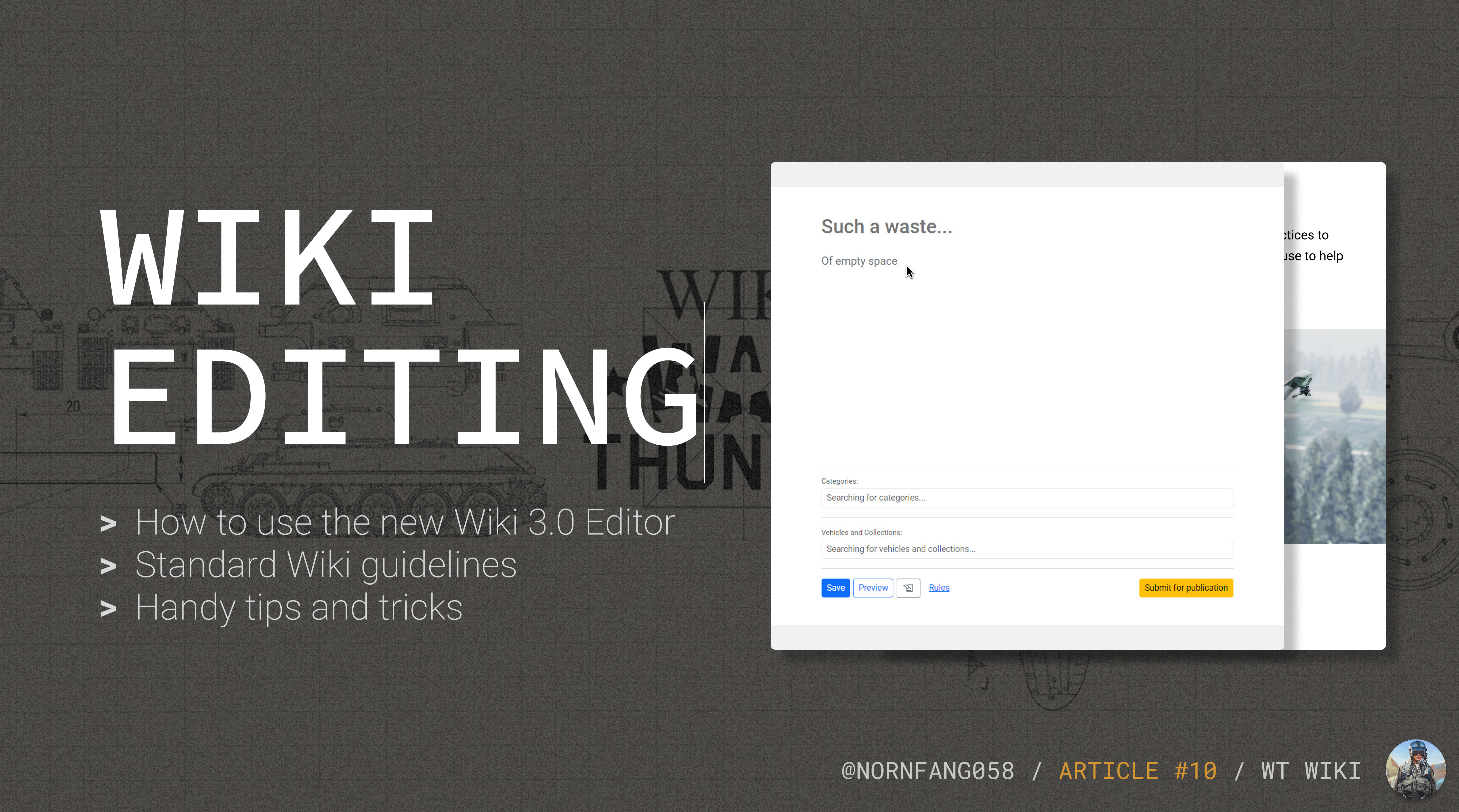
A guide to authoring tips & tricks on the Wiki!
Want to quickly share your skills with other players? This article is your go-to guide for writing effective Tips & Tricks for the War Thunder Wiki! Whether it's an aircraft, tank, or ship, you'll learn how to write short, insightful tips that actually help fellow players and will pass through the approval process.


How does one make good screenshots?
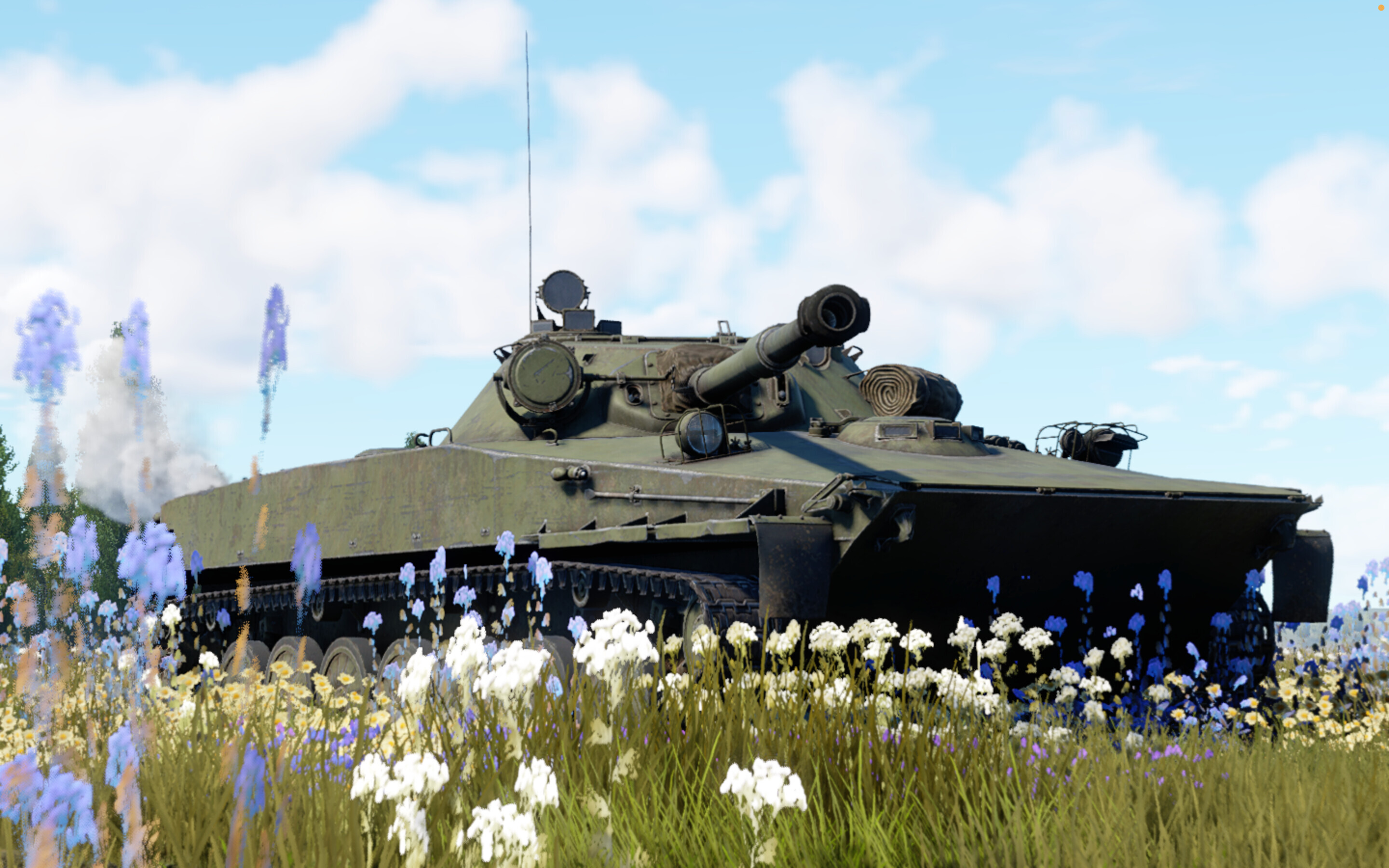
If you play War Thunder, you have probably seen plenty of stunning screenshots that look like they were taken by professional photographers, but with one key difference—they’re from the game. With the “Firebirds” update, the graphics have received significant upgrades, making it even easier to capture beautiful, high-quality photos. With that in mind, here are some tips to help you take great-looking screenshots in War Thunder.
No more content