#radar

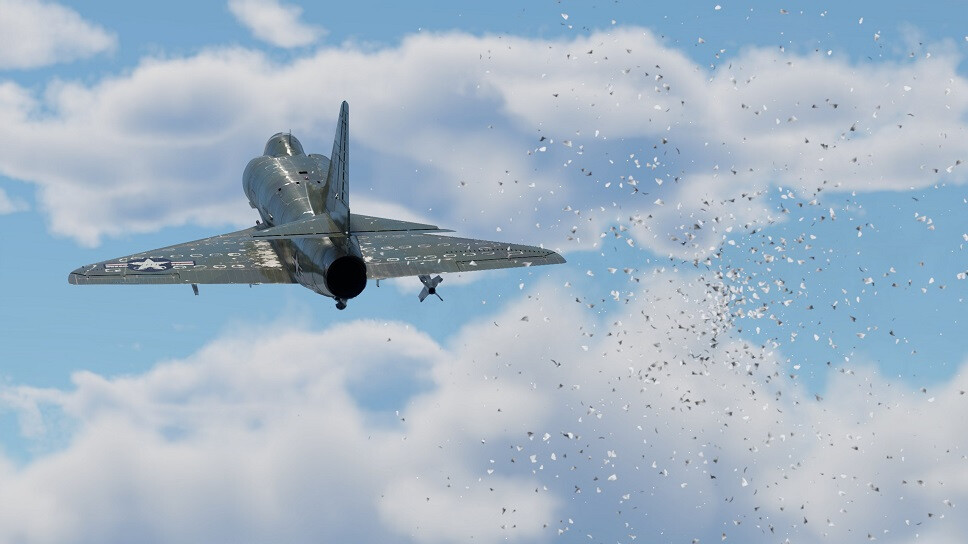
Chaff (also known as “Window” in World War II) are small strips of radar reflecting material (aluminium, metallized paper, fiberglass or metallized polymer based films) that are released in large quantities by an aircraft’s countermeasure dispenser which create a cloud of false radar targets.
Airborne radars are found on aircraft at both low and high ranks, if an aircraft is equipped with radar then a radar display will be present in the right portion of a player's screen, as well as a compass displaying the player's current heading and the directions to detected targets at the top of the screen.
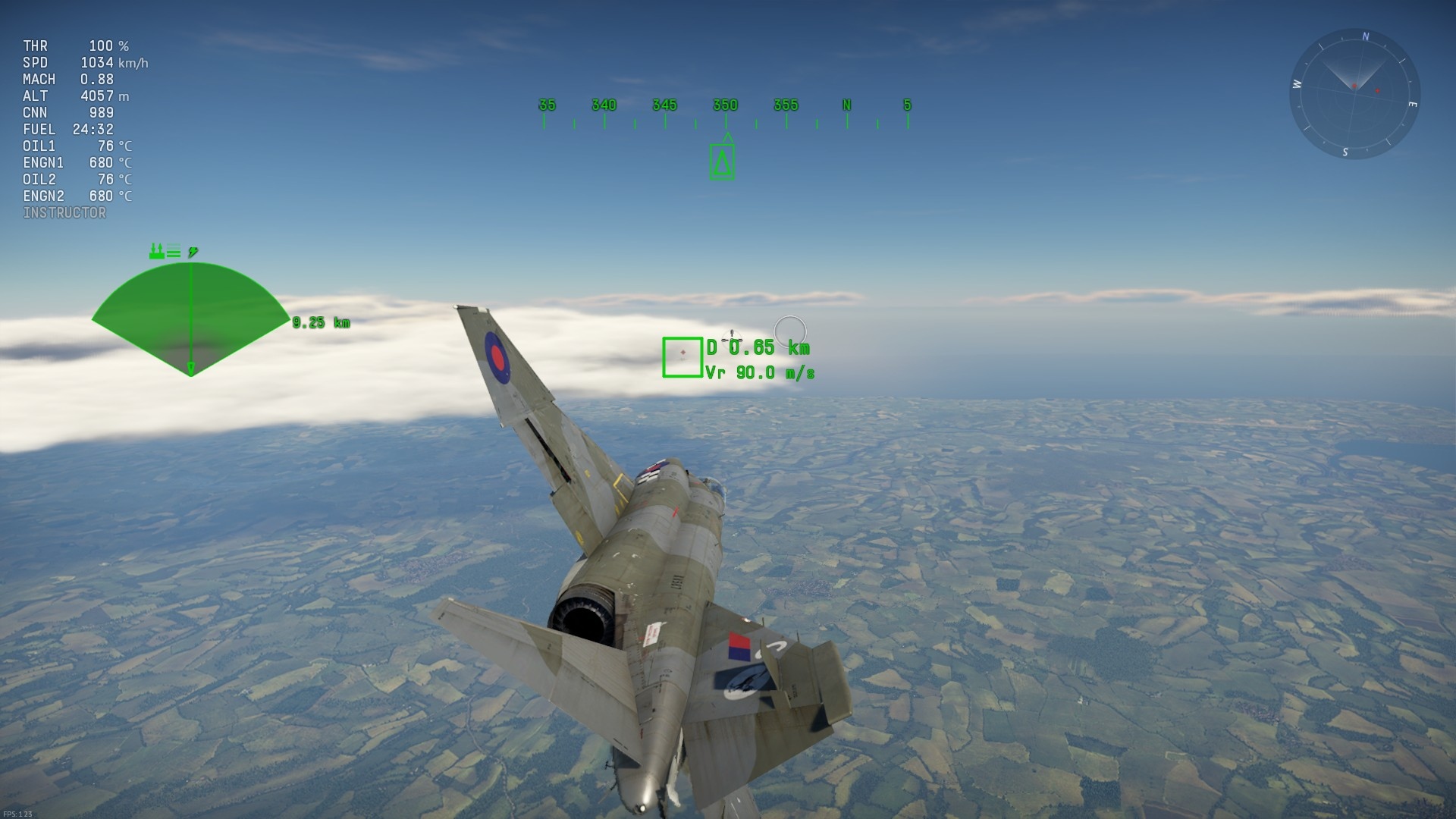
Update 1.87 “Locked On” introduced mechanics for radars and other sensors. The new mechanics replaced an “arcade-style” lead indicator previously present, and a number of aircraft and SPAA vehicles which were historically equipped with radars gained access to the new features allowing for a more in-depth, realistic, and a historic feel when playing them.
