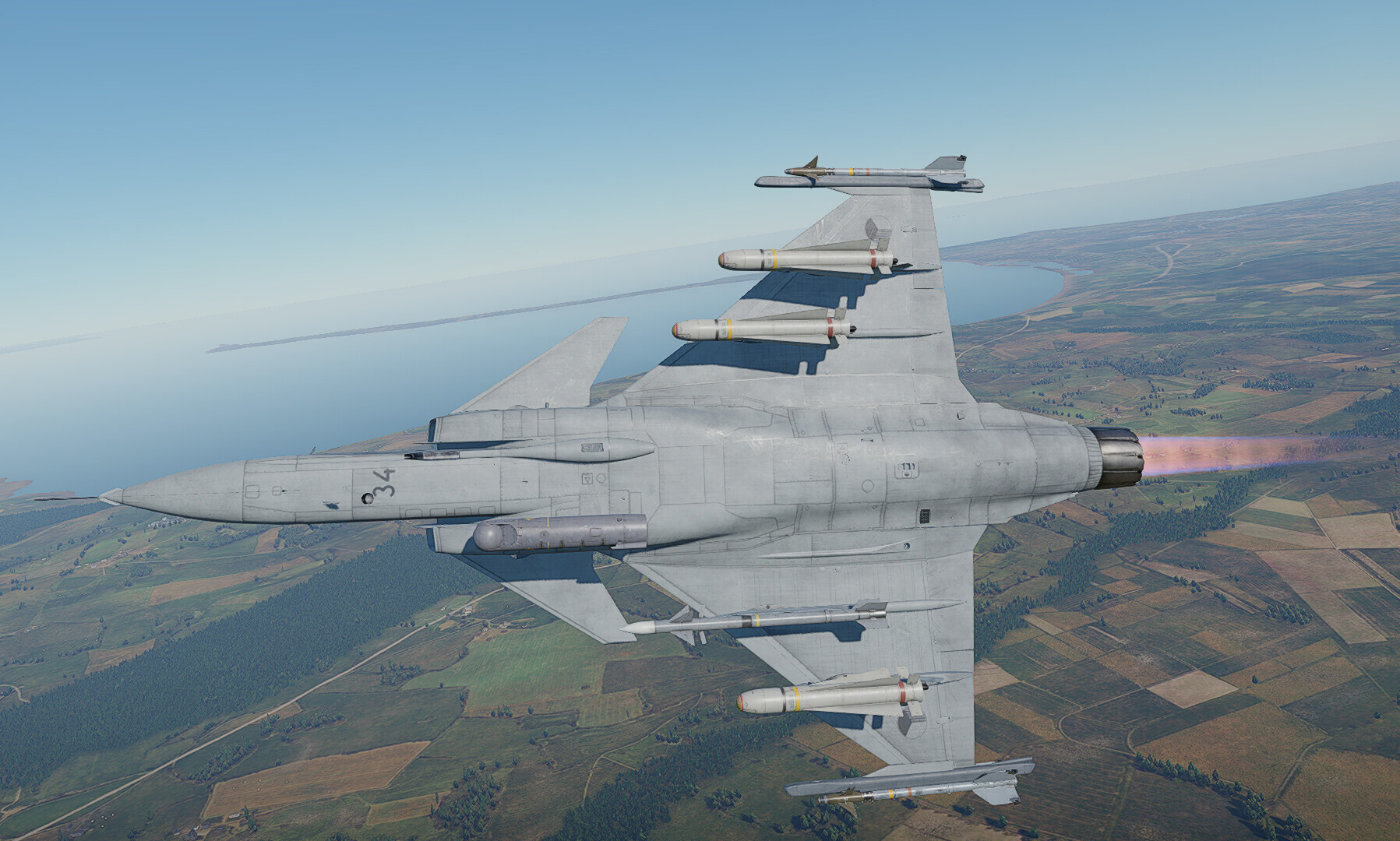
With the release of the “It’s fixed No. 51” update, the game features an editor for suspended weaponry, a mechanic allowing players freedom of choice of weaponry to bring into battle. This feature is primarily found on higher rank aviation and helicopters, although some lower rank examples exist as well, with more being added in every major update.
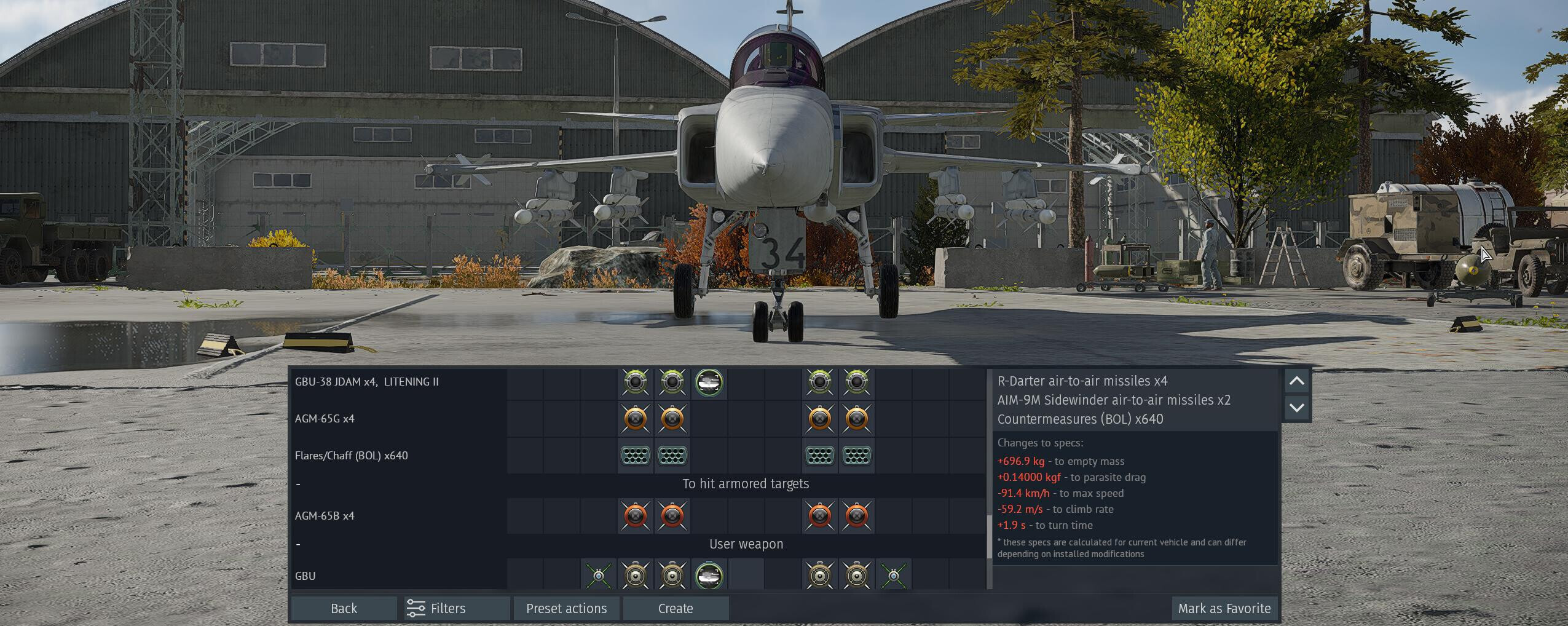
Suspended weaponry menu and how to use it
To open the menu, right click your aircraft and open the “Secondary Weapons” menu, then click on “Create” in the Custom loadouts editor.

Now, choose the weaponry you want by right-clicking on each slot and selecting your preferred weapon. Note the maximum mass shown in the middle. The total mass of the suspended weaponry cannot be exceeded; otherwise, you won’t be allowed to save the loadout. Some weight imbalance is permitted, but the game will notify you when you exceed the limit.

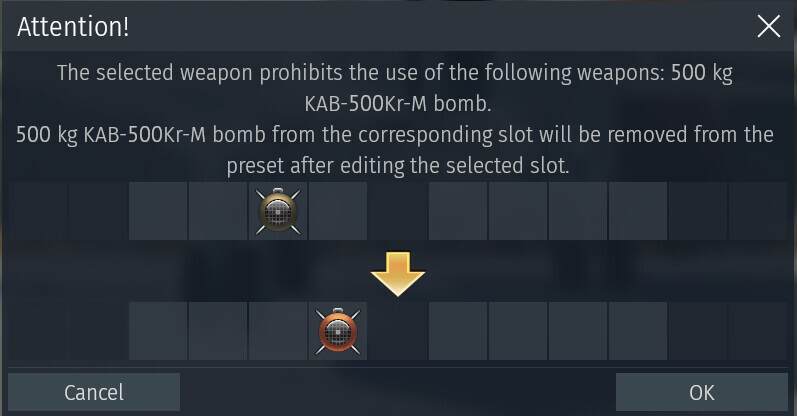
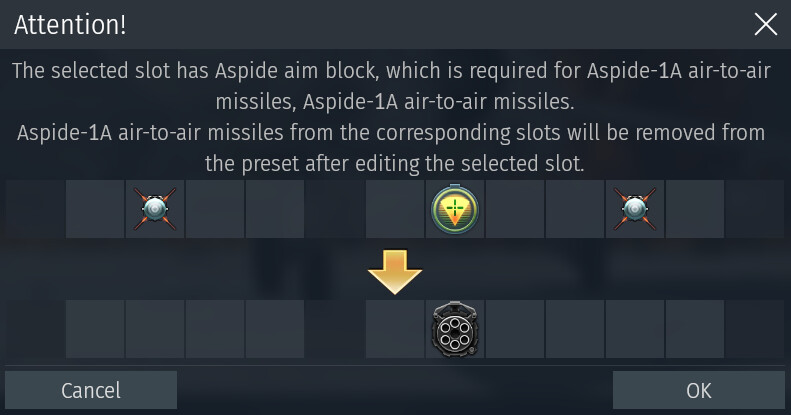
Some loadout options might also prohibit installing other weaponry on pylons next to it or require additional equipment to be used. If that happens, a menu will pop up, showing the incompatibility of said weaponry.
General notes
As a rule of thumb usually the heaviest suspended armament is under the fuselage with the lighter under wings and the lightest on the wingtip pylons. Eg. 3000 lb bomb under fuselage, 1000 lb bomb under wings, and air to air missile on wingtips.