
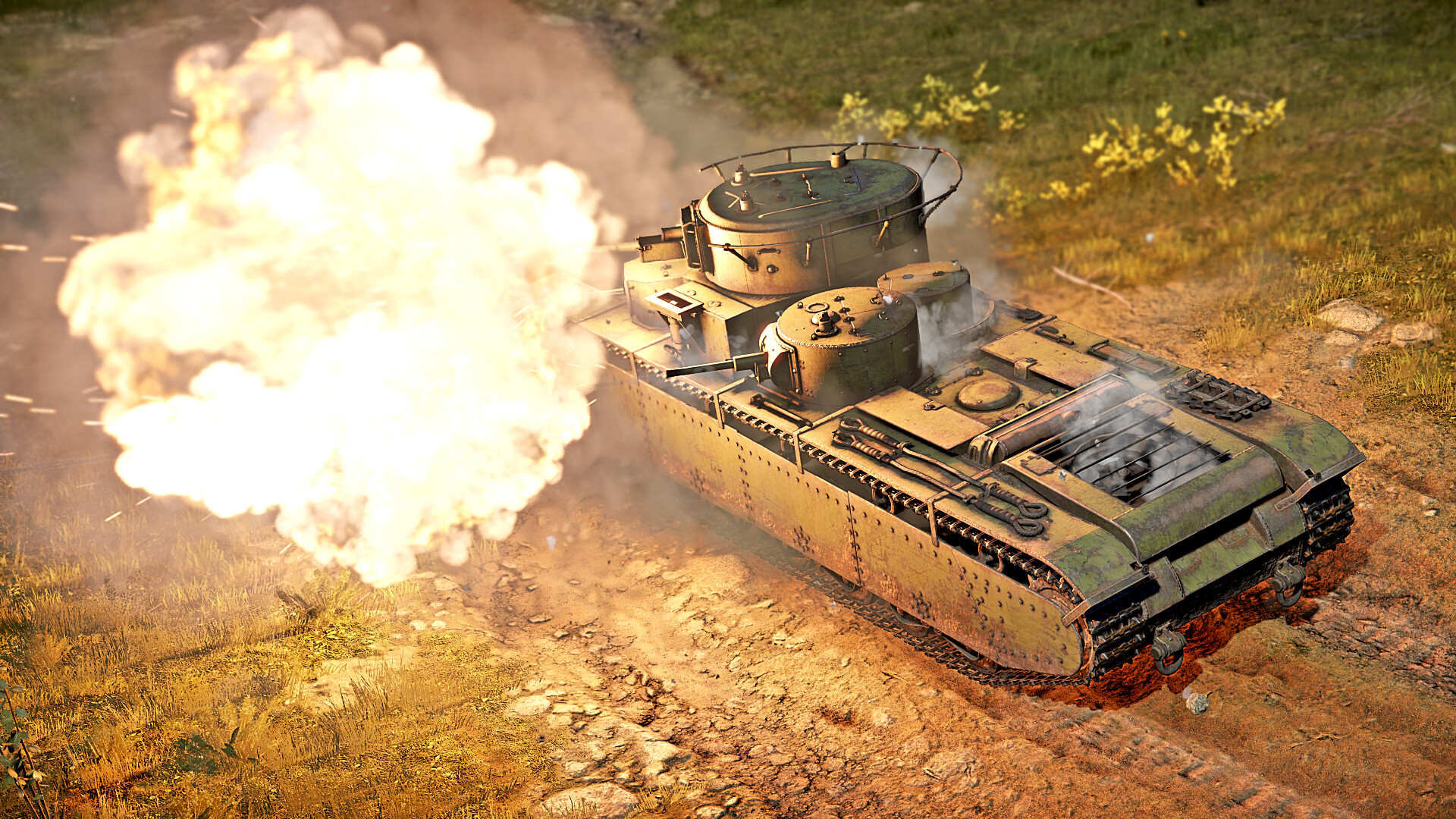
In Update 1.43, the first multi-turreted tank was added into the War Thunder, namely the T-35. With its introduction, a system allowing independent tank turret control was added. By default, the turrets follow the main turret direction and when firing, all turrets that can fire in the direction of the mouse cursor will fire.
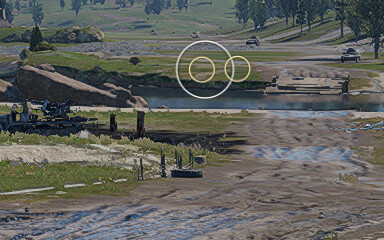
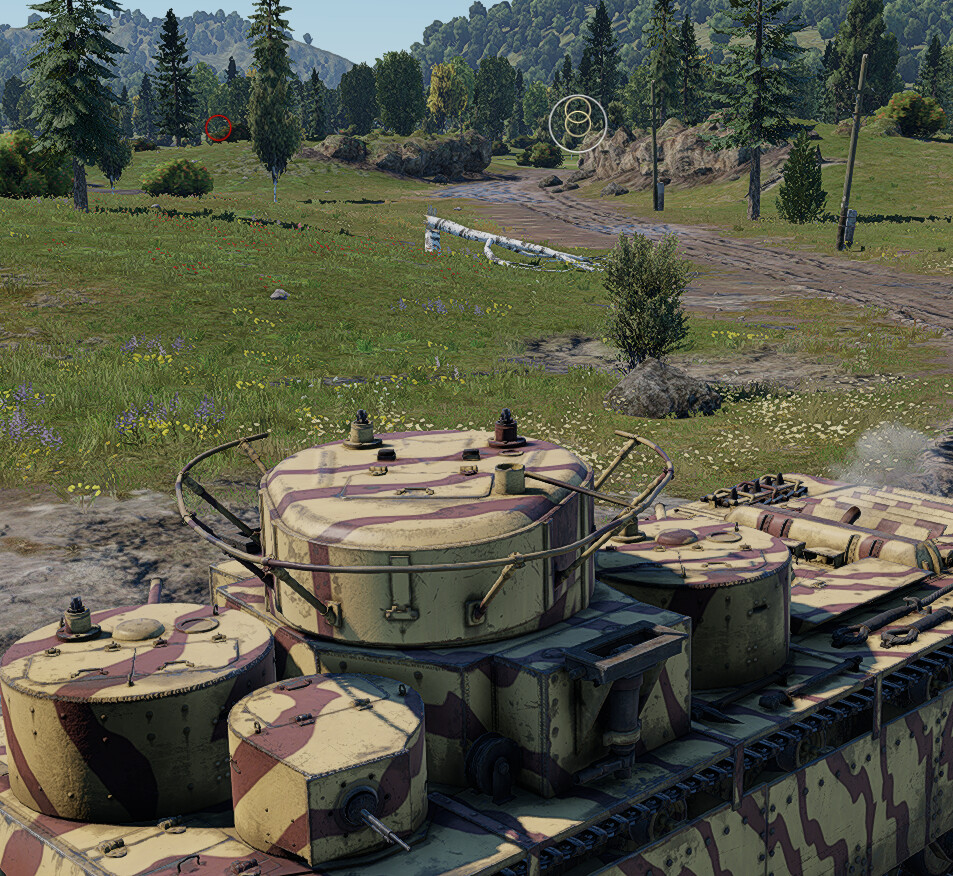
The area where the turret is facing is represented by a circle as shown in the picture below. If the circle turns red, it means the turret cannot fire at that angle.
Controls
To select which gun you want to fire with, you have to either utilize the Y multifunction-menu → Weaponry → Select primary weapon/Select secondary weapon/Select machine gun, or press the corresponding keybind, depending on what you want to use.
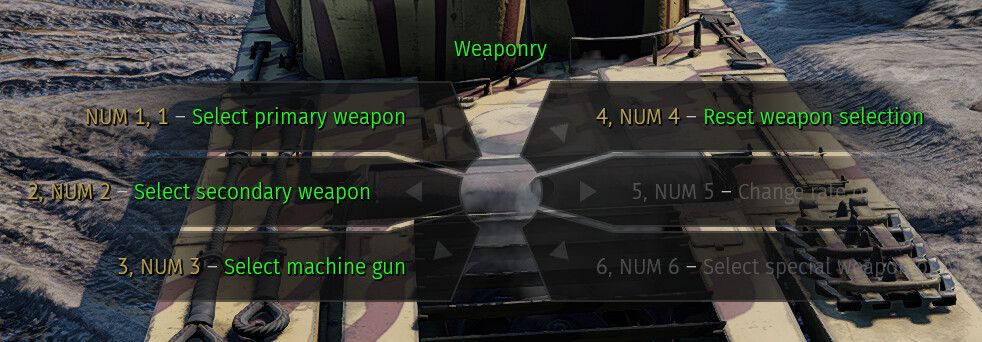
- To set up a keybind to fire from the secondary gun: Controls → Ground vehicles → Weaponry → Fire from secondary guns
- To switch between the guns: Controls → Ground vehicles → Weaponry → Select secondary weapon
- To reset selection of the weapon: Controls → Ground vehicles → Weaponry → Reset weapon selection
You can reset the selection by pressing “Reset weapon selection” in the menu or keybinding said action. This will reset the controls to the default all-turret configuration instead of the currently selected turret.
Be aware that the default setting of all turrets uses the range scale of the main turret. In the example of a T-35, the sniper mode will use the scale of the main 76 mm low velocity gun, instead of the higher velocity 45 mm ones, which will cause the 45 mm guns to miss their targets.
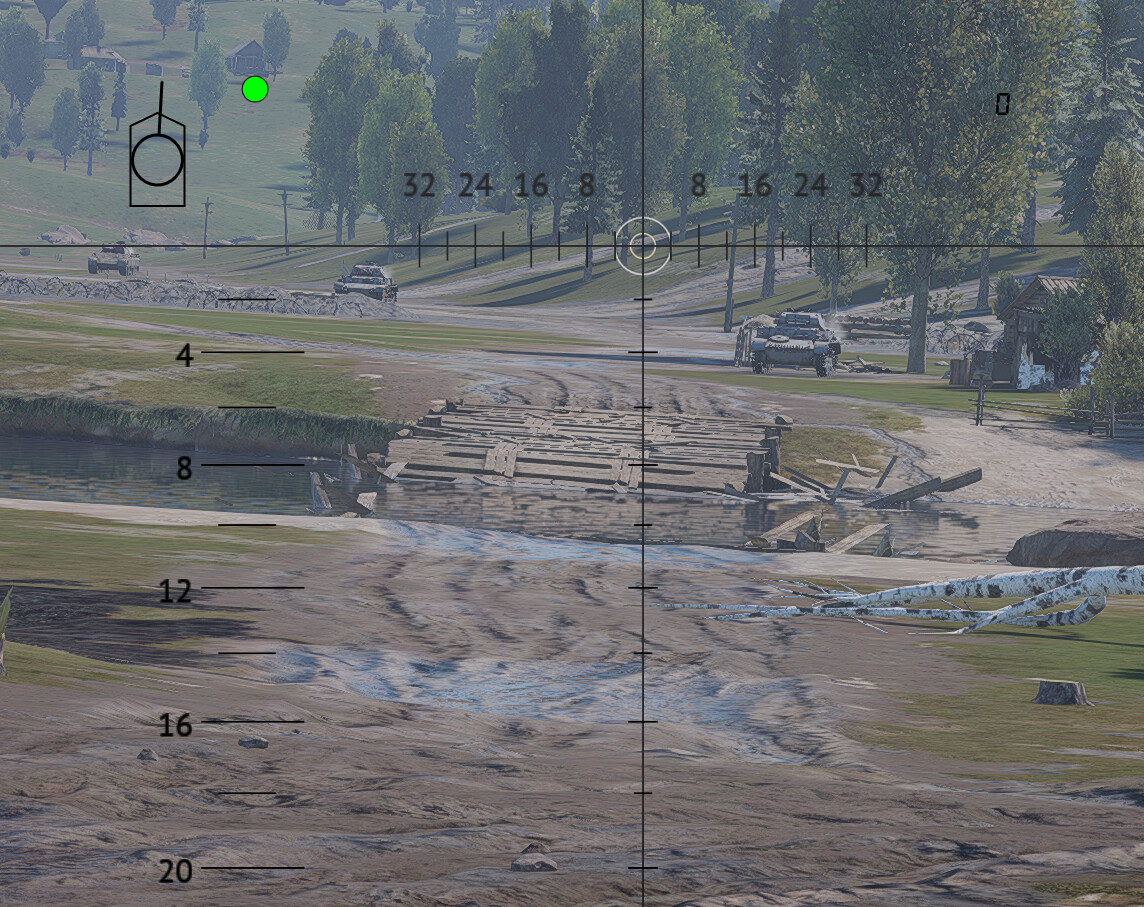
When pressing the “Select secondary weapon” bind, it cycles between all the turrets, including the main one. The same logic applies for the “Select machine gun” bind.
Be aware that you have to keybind “Fire from secondary guns” bind to the same key as your main gun if you want to fire all guns at once when in the default mode. If not sharing the bind, only the main gun will fire.
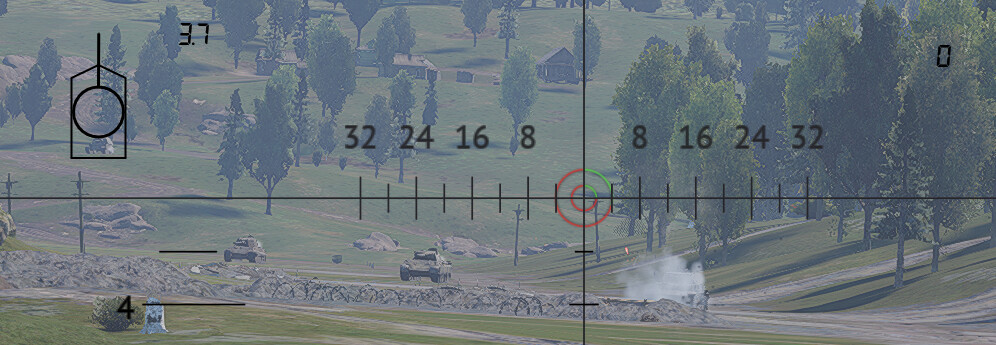
It is recommended to go into test drive before heading to the battle, to test if all your controls are set up and working as they should!